Request a quote or a walkthrough for your shop.
Manufacturing
Two Hours a Day Updating Job Status by Hand Is Not a Shop Floor Data Collection Strategy
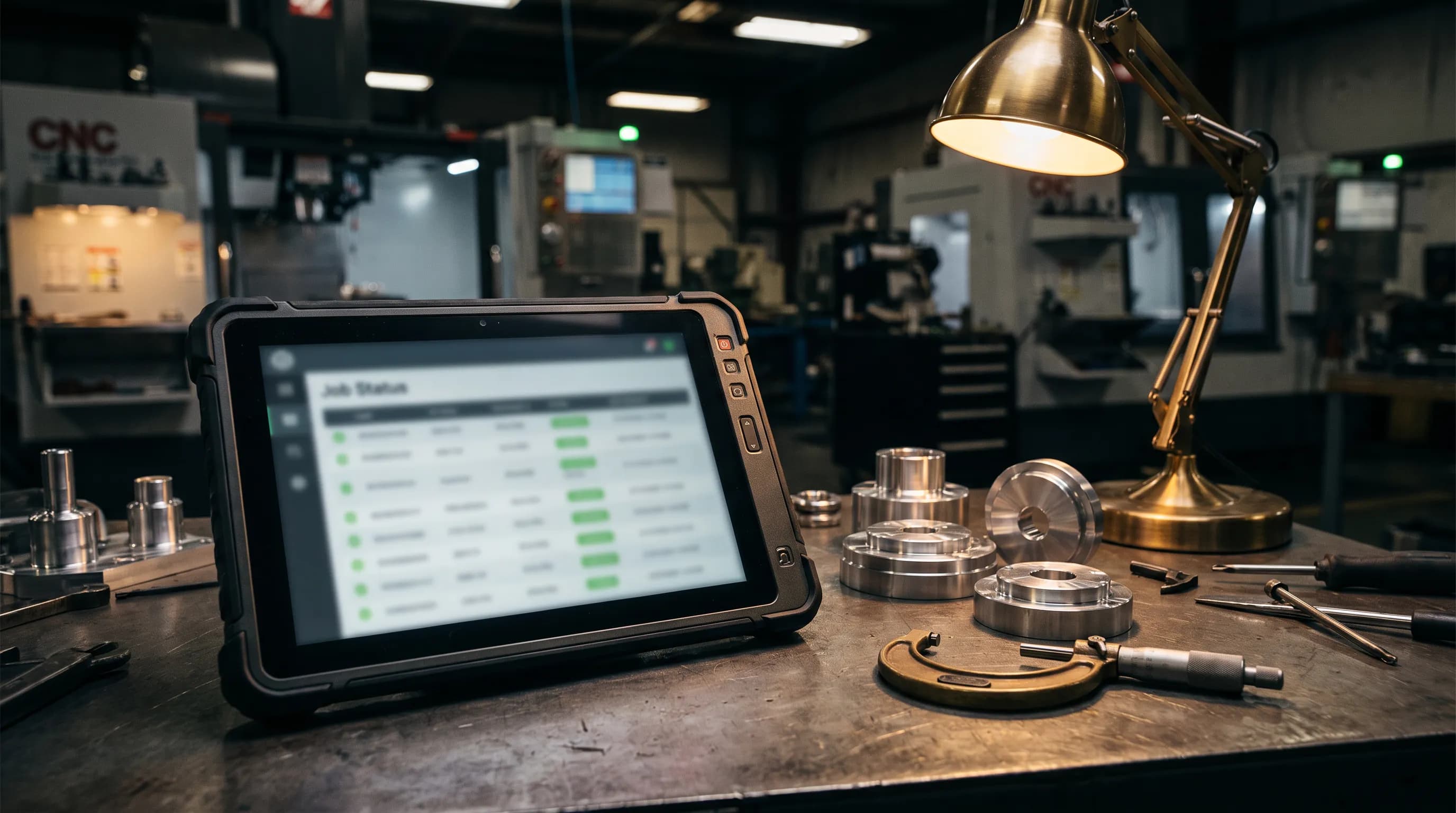
Watch your production supervisor at 3:30. She's got a stack of travelers, a clipboard, and a spot at the one computer on the floor that has a login. Material moved to Op 30. Job 4471 finished a lot. Two pallets got staged for the next cell. Every bit of it gets keyed in by hand, and it adds up to about two hours a day. That's a quarter of her shift spent typing what already happened. If you've ever searched for shop floor data collection software, this is probably the afternoon that sent you looking.
Where Epicor MES fits
If you run Epicor Kinetic, the answer to the typing problem already has a name: Epicor's MES (manufacturing execution system). The idea is simple. The people doing the work report it where the work happens. An operator clocks onto a job, reports quantities, and records material at a terminal or tablet on the floor, and those transactions land in the same ERP the office plans from. Nobody re-keys a traveler at the end of the day. Done right, the supervisor stops being the data entry clerk and goes back to running the floor. Getting it done right takes real setup, and it's worth doing with your Epicor partner, because the screens, the operation steps, and the habits on your floor all have to line up.
Collecting data is half the job
Here's the part that gets missed. Once status is captured at the source, people still have to read it back. The scheduler wants to know if the bar stock for 4471 arrived. An operator wants to know what's next on the machine. The owner is on the phone with a customer who asks if the order ships Friday. Every one of those questions is a walk to a computer, or a call to the one person who has a seat. MES gets the data in. It doesn't automatically get the answer out to everyone who needs it, and full ERP seats are expensive enough that most shops don't hand them out to the whole floor.
How Epic One gives the supervisor her two hours back
This is the gap Epic One fills. It connects to the ERP you already run, including Epicor Kinetic, and your supervisor can talk to it from her phone, standing on the floor. Instead of saving it all for the 3:30 session at the one computer, she says what happened: "job 4471 finished a lot and moved to Op 30." Epic One drafts the update against the live record, and she approves it before anything changes. Recurring end-of-shift routines, the ones she does the same way every day, can be recorded once and run again, with the same approval step. The typing shrinks to a quick check. The hours go back to running the floor.
And the people on the floor stop making the walk
Operators and leads lose time too, and not only to data entry. An operator wants to know what's next on the machine. A lead wants to know if the bar stock for 4471 arrived. Today each of those is a walk to the front office or an interruption for the one person with a seat. With Epic One they ask in plain words from their phone: "what's next on the mill?" or "did the material for 4471 come in?" It reads the live record and answers in seconds, using only what that person's own login is allowed to see. No training on where the field lives, and no full ERP seat for everyone on the floor.
Epic One doesn't replace your MES, and it doesn't hand your floor the keys to your ERP. MES captures what happens at the machine. Epic One takes what's left: the status updates that still get typed by hand, and the questions that still get answered by walking. Answers are only as current as what was captured, so the two work together. Take your supervisor's two hours, find out how much is capturing status and how much is chasing answers, and fix those separately. If that sounds familiar, tell us which ERP you're on and what you want off your people's plates on the Get Epic One page, and we'll set up your private instance and walk through the safety details before anything connects.
See it inside Epicor Kinetic
How Epic One reads live Kinetic and E2 JobBoss² data, gates every change behind human approval, and puts real answers ahead of another screen-hunting session.
Request a quote or a walkthrough for your shop
Tell us about your ERP and we’ll show you Epic One working on your kind of jobs, quotes, and POs.