Request a quote or a walkthrough for your shop.
Blog
Notes for the shop floor and the front office
Straight talk on ERP, CRM, and where AI actually earns its keep in a manufacturing business.

Quote the Next Job From What the Last One Actually Cost, Not From Memory
A customer wants a number by Friday, and your estimator is digging through old jobs to remember what a similar part took. Here's what changes when comparable job history is one question away.
Read the post →
Unleashing the Potential of Epic One's Amplify Mood
Amplify monitors feeds of any kind and gives you multiple action options on what it finds, so you can monitor and manage the content you're looking for.
Read the post →
Understanding Epic One's Communications Mood for Effective Internal Messaging
The PO answer lives in the ERP. The reply you owe lives in Outlook. The meeting about it lives in Teams. Epic One's new Communications mood puts all three in one conversation.
Read the post →
Exploring Epic One's New Research Mood: Transforming Data Efficiency
You need a list of approved suppliers by Friday, and the real answer is spread across six browser tabs. Epic One's new Research mood is built for that: checked lists from the sites you choose.
Read the post →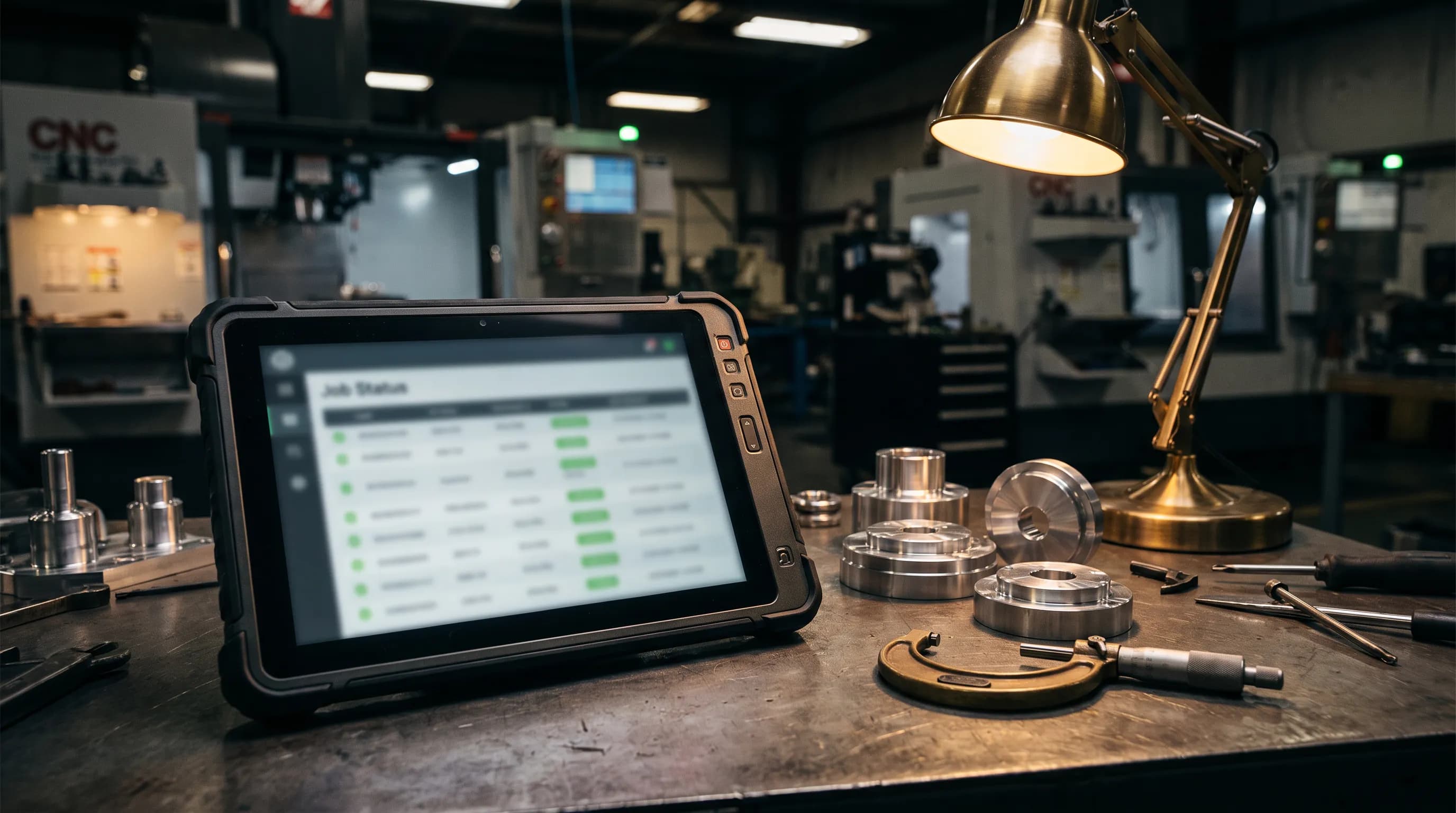
Two Hours a Day Updating Job Status by Hand Is Not a Shop Floor Data Collection Strategy
Your best supervisor spends two hours a day typing status updates into a computer. Epicor MES captures data at the source, and Epic One saves your supervisor and floor team the typing and the walking.
Read the post →
You Shouldn't Need to Learn BAQs to Get an Answer Out of Epicor Kinetic
Someone asked for a number the standard screens don't show, and now you're searching for how to create a BAQ in Epicor Kinetic. Most people in that spot don't want a new skill. They want the answer.
Read the post →
Effective Strategies for Training Epic One in Your Organization
Most rollouts stall because someone starts asking Epic One real questions before it has any context to answer them with. Here's the order that works instead, and why skipping a step just means redoing it later.
Read the post →
Optimizing Epic One Business Processes: Finding the Work Worth Automating
Connecting Epic One to your ERP is the easy step. The real payoff comes from picking the right processes to hand it, and knowing how to tell a few weeks in whether that decision paid off.
Read the post →
Integrating Epic One with ERP Systems: A Comprehensive Guide
"It connects to your ERP" can mean almost anything. Here's exactly what that means with Epic One: what it reads, what it can write, how procedures work, and why a person signs off before anything real changes.
Read the post →
Mastering Epic One Configuration: Settings, Environments, and Admin Controls
Most of what people call "setting up Epic One" is a handful of screens: environments, credentials, notifications, and an admin console most of the team never needs to open. Here's what's actually in them.
Read the post →
Unique Features of Epic One vs. Standard AI Chatbots
Ask a general AI chatbot about your shop and it'll guess. Ask Epic One and it reads your actual Epicor Kinetic or E2 JobBoss² data instead. Here's the full list of what's actually different.
Read the post →
Quote the Next Job From What the Last One Actually Cost, Not From Memory
The real cost of the last comparable job is sitting in Epicor. Most quotes still get built on what an estimator remembers instead. Here's what changes when the actual number is one question away.
Read the post →
Checking a PO Status Shouldn't Mean Walking to the Front Office
A scheduler needs a PO status. The only login that has it belongs to someone two buildings over. Here's what changes when anyone can just text the question.
Read the post →
How AI-Powered Automation Streamlines Purchase Order Tracking
"Where's my PO?" is the question that eats an afternoon. Here's what changes when anyone on the team can just ask instead of digging for it.
Read the post →
What an AI Agent for Your ERP Should and Shouldn't Be Allowed to Do
The fear isn't whether the AI works. It's a wrong quantity hitting a live PO with nobody watching. Here's what should separate a safe AI agent for your ERP from a risky one.
Read the post →Request a quote or a walkthrough for your shop
Tell us about your ERP and we’ll show you Epic One working on your kind of jobs, quotes, and POs.